

Perform Umrah with confidence.
Step-by-step Umrah and Hajj guides, Tawaf and Sa'i counters, Qibla, duas and Umrah packages from Maldivian agencies, in Dhivehi and English.
Al Muhrim: Umrah Guide is not in the stores yet. The download buttons and QR codes will appear here as soon as it is released, so this page is the link to share.
Ask us about the launchAl Muhrim is a companion app for Maldivian pilgrims, from planning an Umrah trip to performing each step of it. GUIDESFollow Umrah step by step, from Ihram and the Meeqaath to Tawaf, Sa'i and Tahalul. Count your rounds with the Tawaf and Sa'i counters, and keep a checklist of what to prepare. A Hajj guide takes you through the days of Hajj. PRAYER AND DUASee prayer times, find the Qibla and read 322 duas and azkar in 20 categories. PACKAGES AND SHOPCompare Umrah packages from Maldivian agencies by season and number of travellers, then book and follow your booking with your booking ID. Order Umrah essentials and have them delivered to your island. The app is in Dhivehi and English, and there is no account to create.
Ihram, the Meeqaath, Tawaf, Sa'i and Tahalul explained in order, with the duas for each step.
A day-by-day guide for the days of Hajj.
Count your rounds with a tap, so you can keep your mind on the du'a.
A Qibla compass and daily prayer times, wherever you are.
322 duas and azkar in 20 categories, with the Arabic text and its meaning.
Places to visit in Makkah and Madinah, and a guide to the gates of the Haram.
Compare packages from Maldivian agencies by season and travellers, then book and track it with your booking ID.
Order Umrah essentials for delivery to your island, paying by bank transfer or cash on delivery.
Pick your language when you open the app and change it any time in Settings.
When can I download it?
Al Muhrim is not in the App Store or Google Play yet. The download buttons and QR codes will appear on this page as soon as it is released.
Do I need an account?
No. You book a package or place an order with your phone number, and follow it with your booking ID.
How do I pay for a shop order?
Pay by bank transfer and upload the slip in the app, or choose cash on delivery.
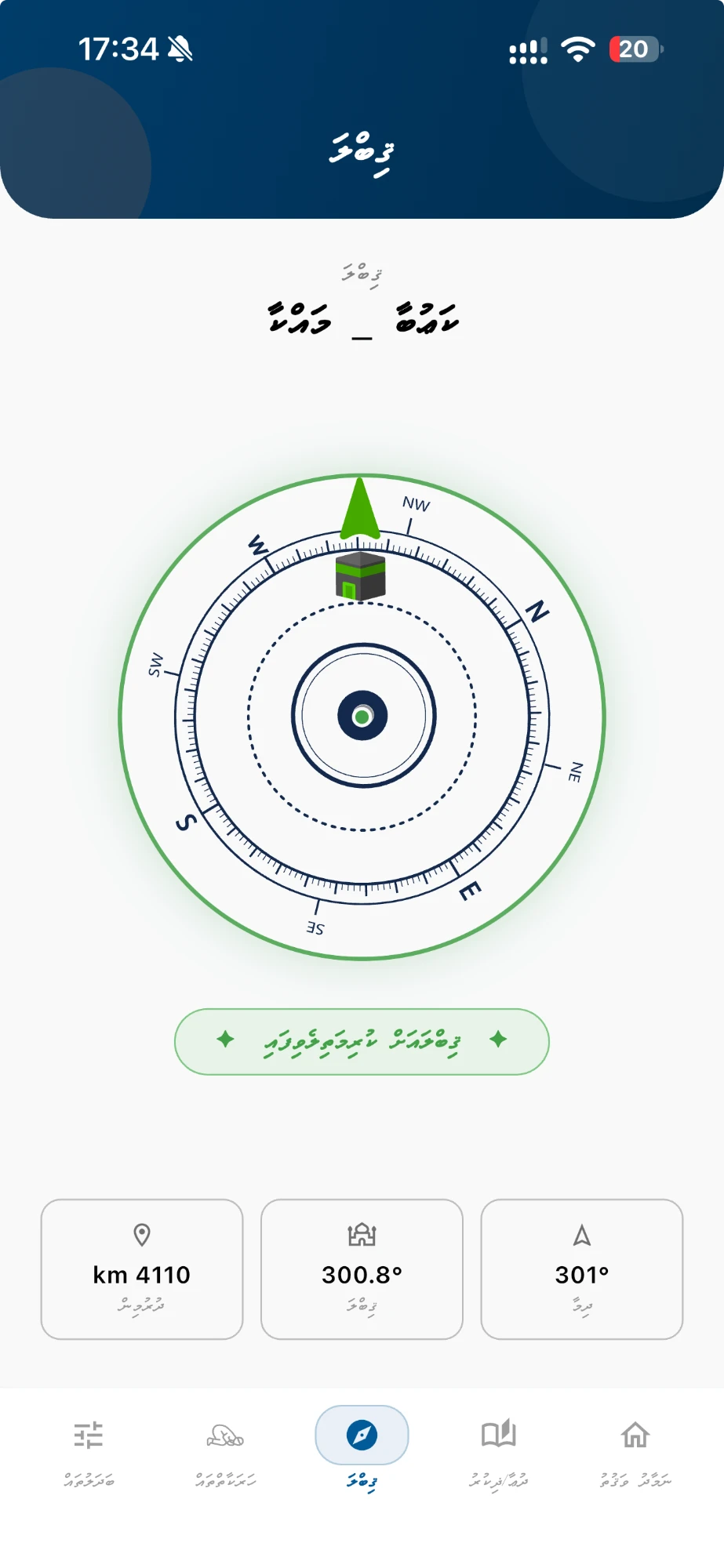
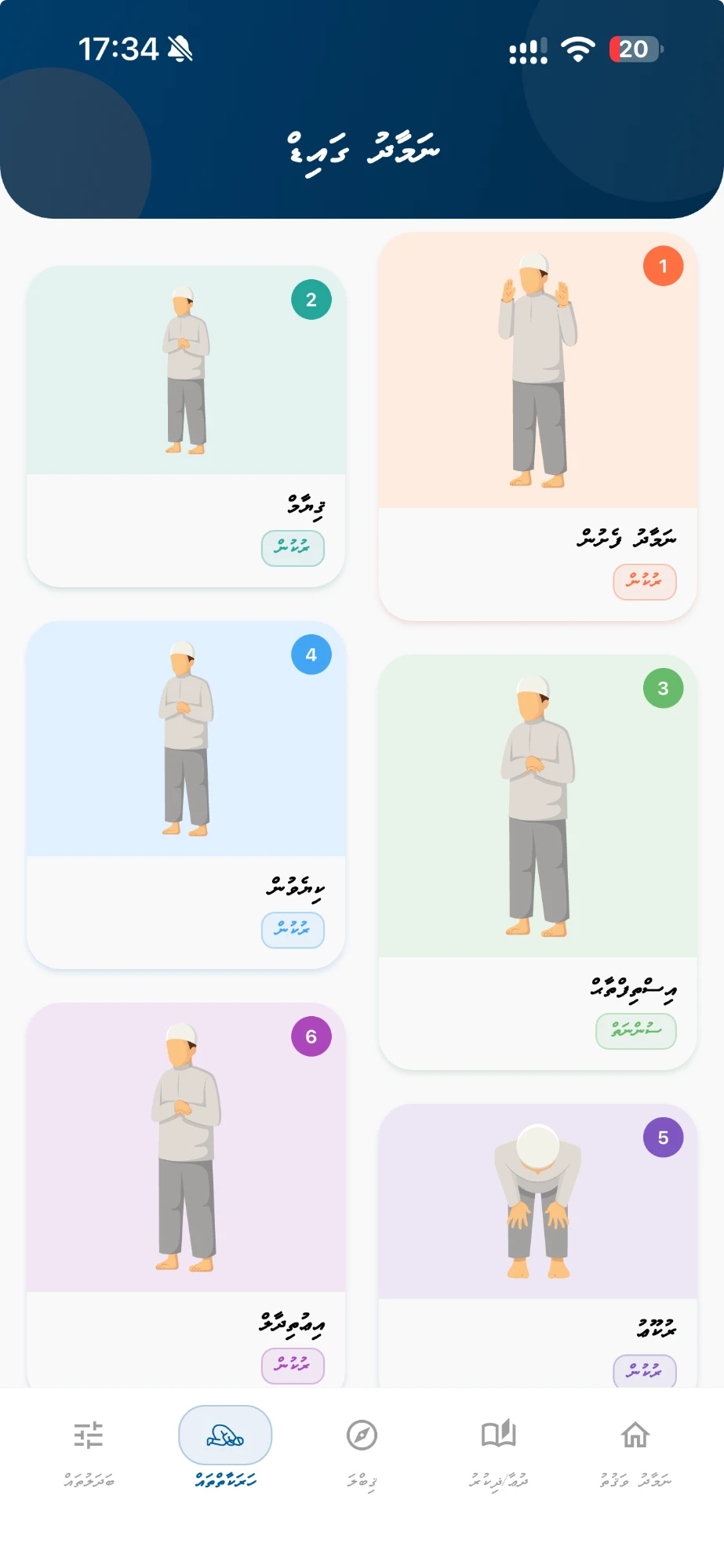
 Bangi: Maldives Prayer Times
Maldives namaadh & prayer times, qibla direction, duas and salat guide
View app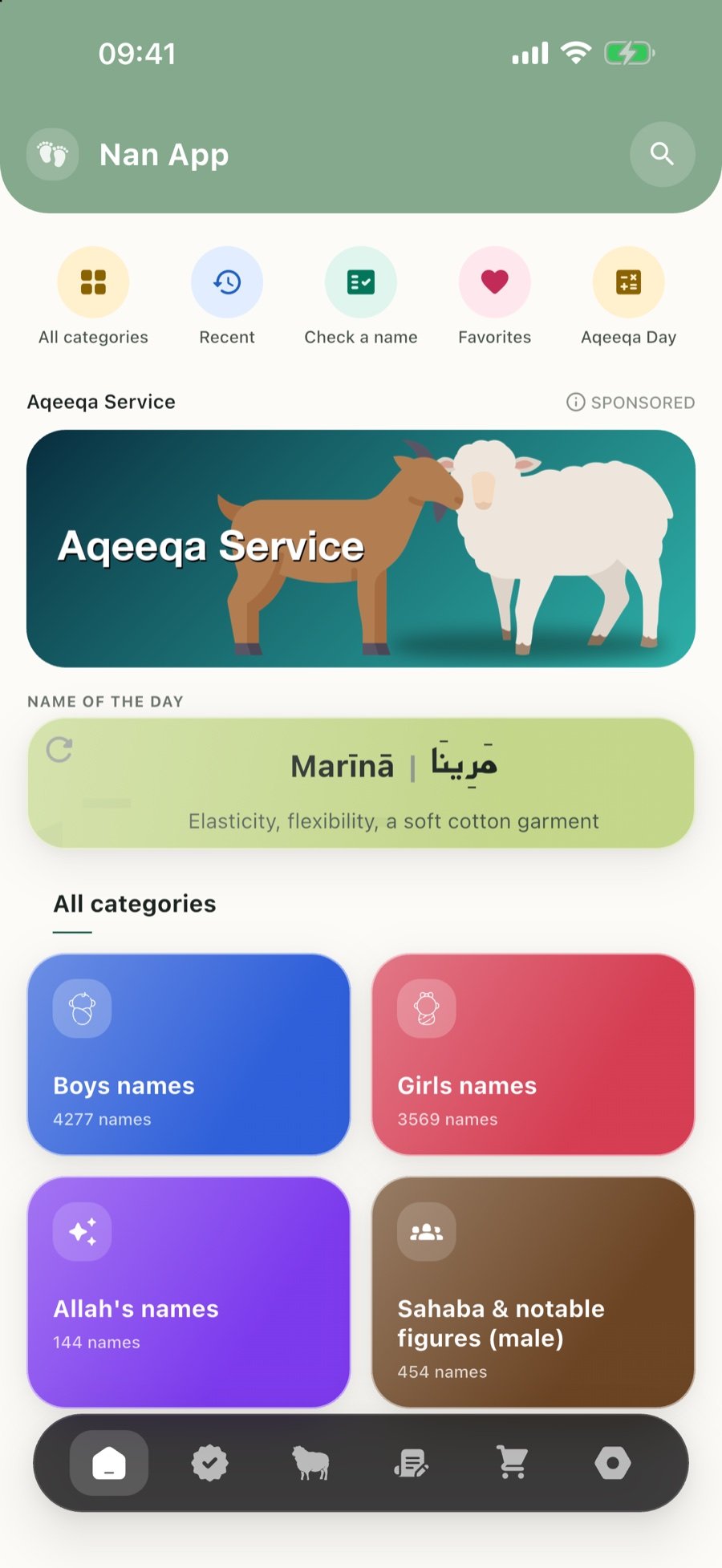
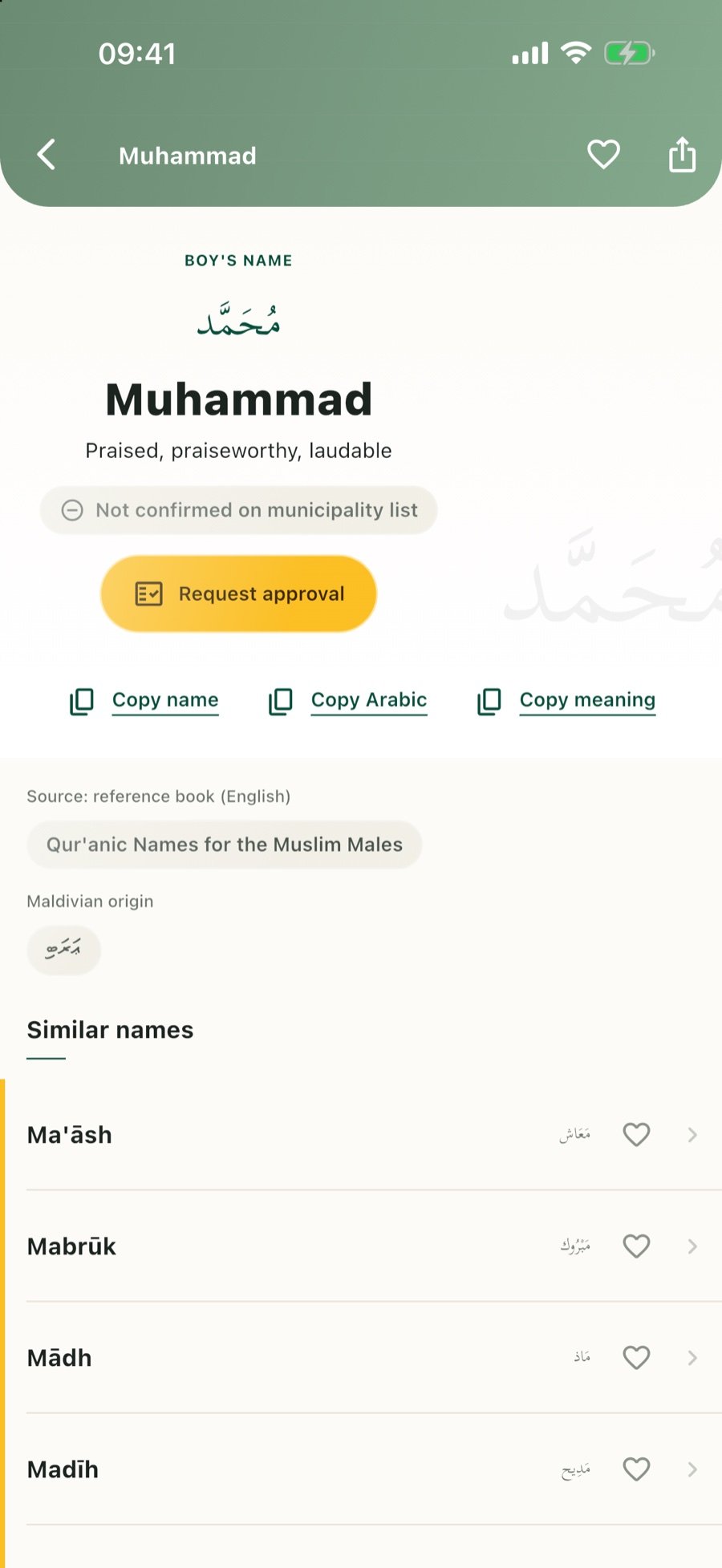
 Nan App
Browse 14,000+ names, request name approval and book your aqeeqah, all in one app.
View app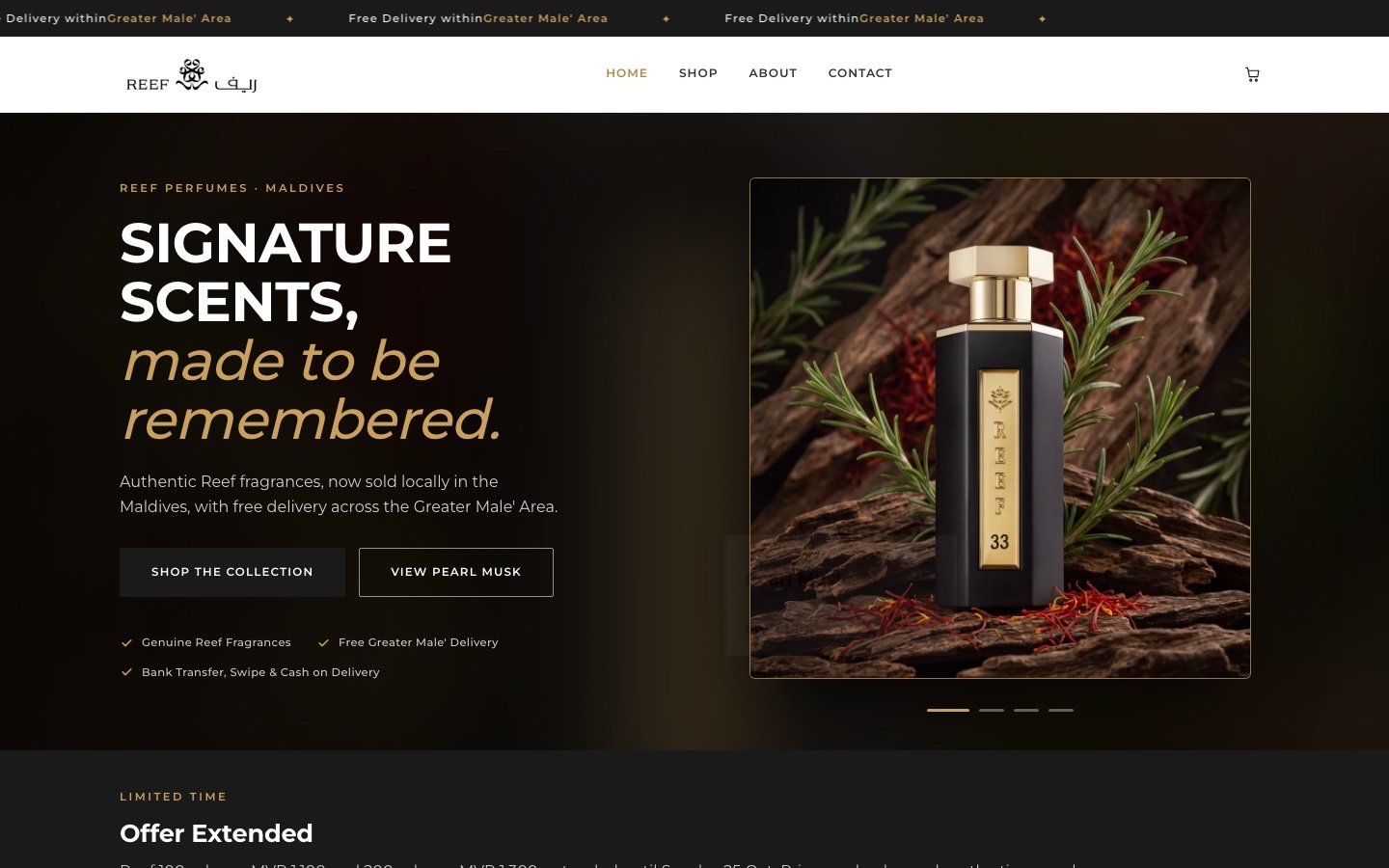
 Reef Perfumes MV
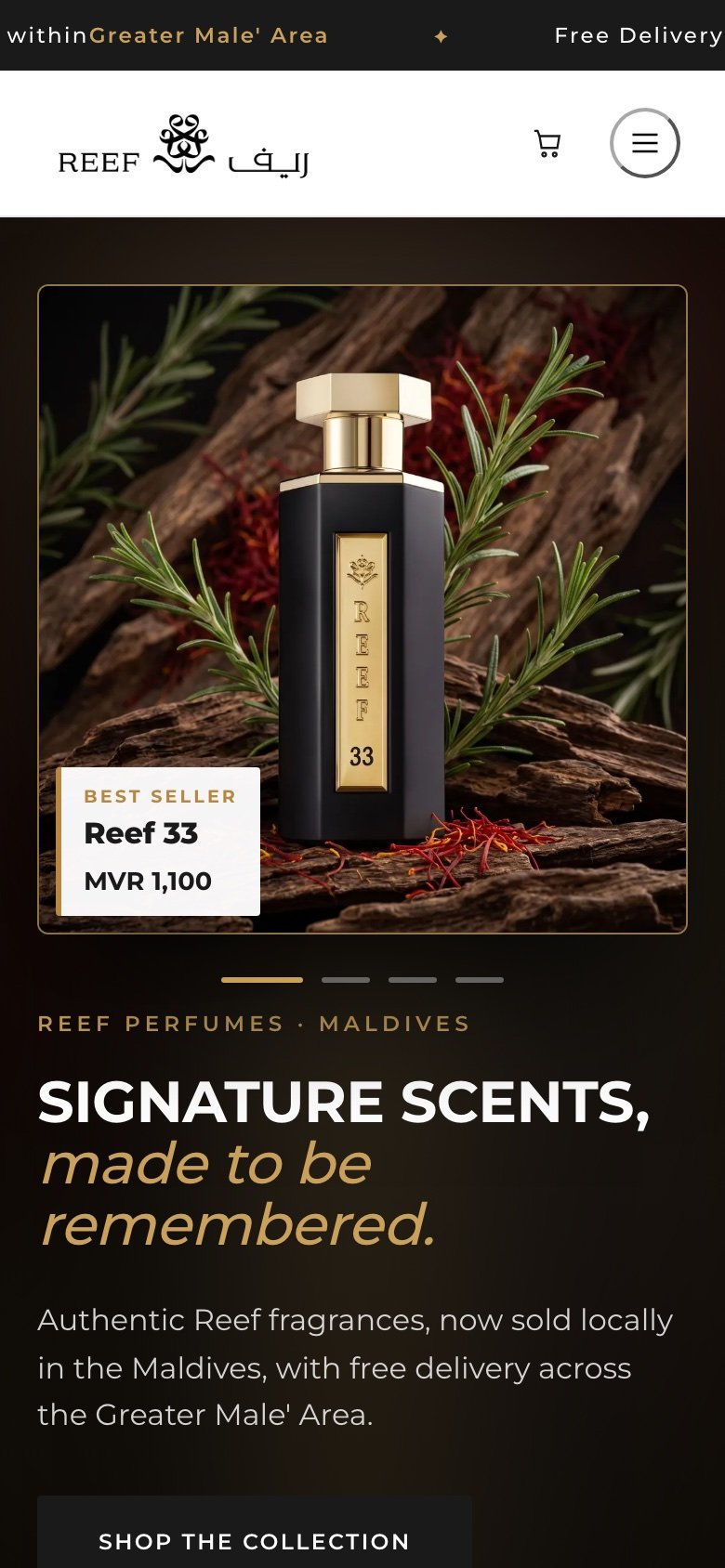
An online storefront for Reef fragrances, with Swipe, bank transfer and cash on delivery.
View project